
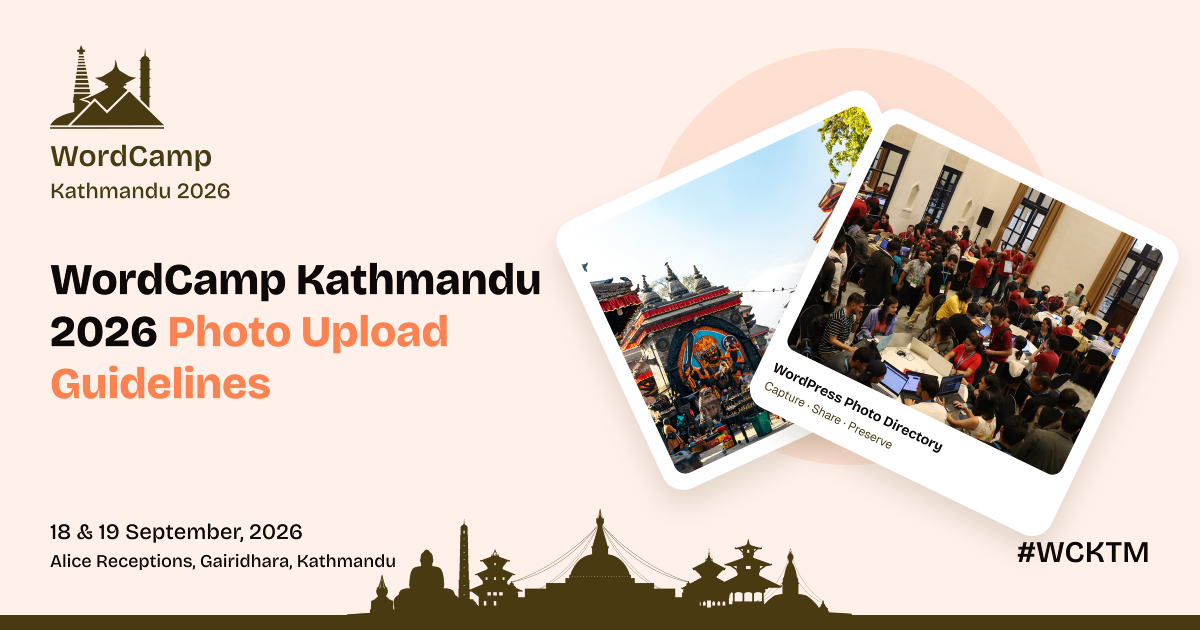
WordCamp Kathmandu is a community WordPress event where developers, designers, professional photographers, business owners, and WordPress learners come together to learn, share, and connect through open-source web development.
This year, WordCamp Kathmandu 2026 takes place on September 18–19 (Contributor Day and Conference Day) at Alice Receptions, Gairidhara, Kathmandu, under the theme “Where Ancient Culture Meets Open Source.”
Our Photo Table Leads warmly invite you to share your photos from the event with the WordPress Photo Directory using the tag #WCKTM2026.
Why it matters
Every photo approved into the directory is released under a CC0 license once it’s live, anyone in the world can use it for free, for any purpose, without needing to credit you. That’s what makes the directory valuable: it’s built entirely from real community moments like the ones you’ll capture at WordCamp Kathmandu. Your photo will be a permanent part of WordPress resources,
Here are the set of rules and requirements to keep in mind before submitting photos.
Photo Directory requirements
These come directly from the official WordPress Photo Directory guidelines submissions that don’t meet them won’t be approved:
- Real photographs only- no screenshots, digital art, AI-generated images, or photos of someone else’s painting, mural, or graffiti.
- Your own captures– you must hold the copyright, so only submit photos you personally took.
- Technical specs– JPEG format, between 2000×2000 and 7500×7500 pixels, and 1–20MB in file size. (If you send photos over WhatsApp or Messenger first, they’re usually compressed below this)
- Sharp and high quality– good lighting, composition, and color, with no blur on the main subject, noise, lens flare, or glare.
- No overlays– no watermarks, text, stickers, graphics, or borders added on top of the photo.
- Minimal editing– light color or contrast adjustments are fine; skip heavy filters or over-processing.
- No collages– one single photograph per submission, not a composite of multiple shots.
- No identifiable people or private details– no visible faces, readable name badges, license plates, or anything else that could reveal someone’s identity or location.
- No branding or institutional identity– avoid logos, promotional material, or anything tied to a specific school, college, or company.
- Nothing extreme or harmful– no violence, gore, hate symbols, or sexual content.
- Not mostly text- text can appear in a photo, but it shouldn’t be the main subject.
- No near-duplicates avoid resubmitting slightly different angles or crops of a shot that has already been approved.
How to submit
- Log in with your WordPress.org account (or create one it’s free).
- Go to the submission page.
- Upload your photo and write a short, accurate description.
- Add the tag #WCKTM2026 so your shot is easy to find alongside everyone else’s.
- Sit tight for moderation — you’ll get an email once it’s reviewed, whether approved or not.
Resources
- WordPress Photo Directory: wordpress.org/photos
- Official guidelines: wordpress.org/photos/guidelines
- Submit your photo: wordpress.org/photos/submit
Every photo you share becomes part of that story, and helps preserve it for the wider WordPress community.
So keep your camera ready, and whenever you can, share your moments tagged #WCKTM2026
Special thanks to Uttkrista Chhetri, Photo Table Lead at WordCamp Kathmandu 2026, for contributing the original draft and insights for this article.